Digital Signage.
Simply from your browser.
Turn any screen into a professional information channel – managed from a central interface, operated and maintained by ITworx. No IT expertise required.
Platform Preview
Screenshots coming soon – replace placeholders with real images.
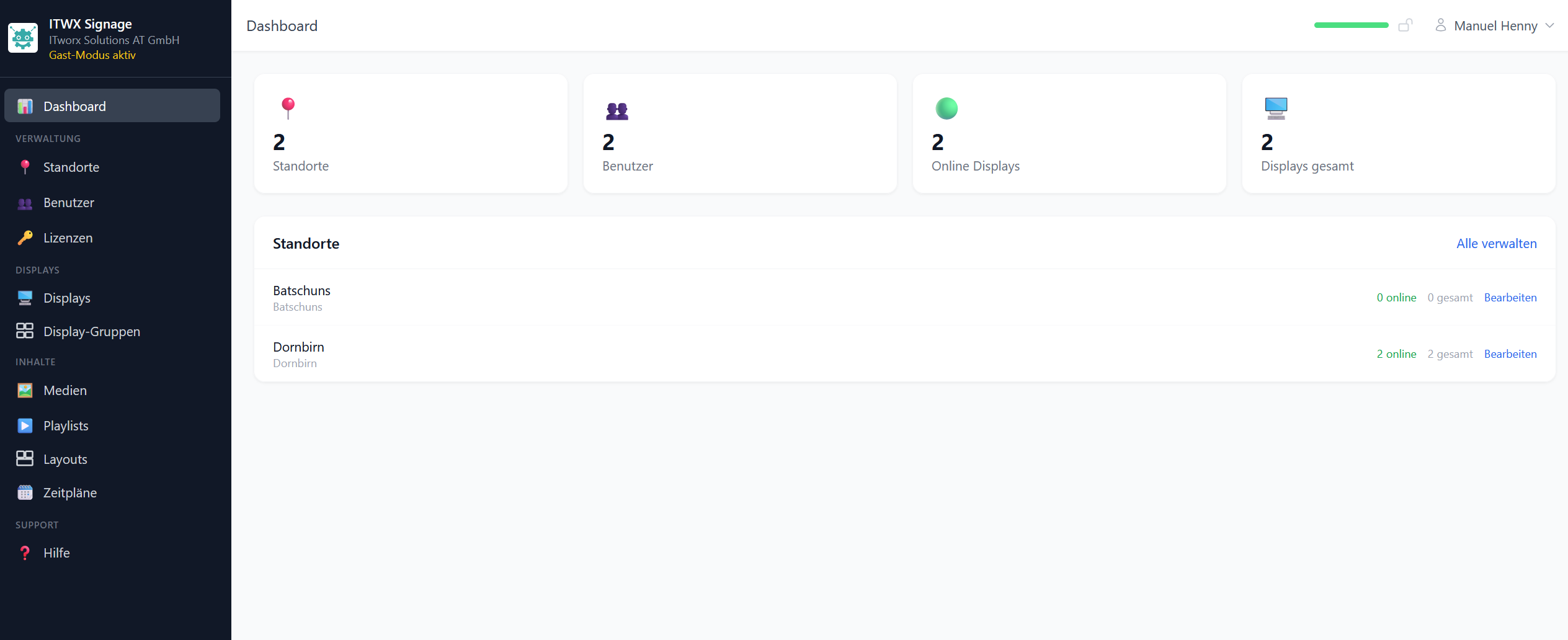 Dashboard
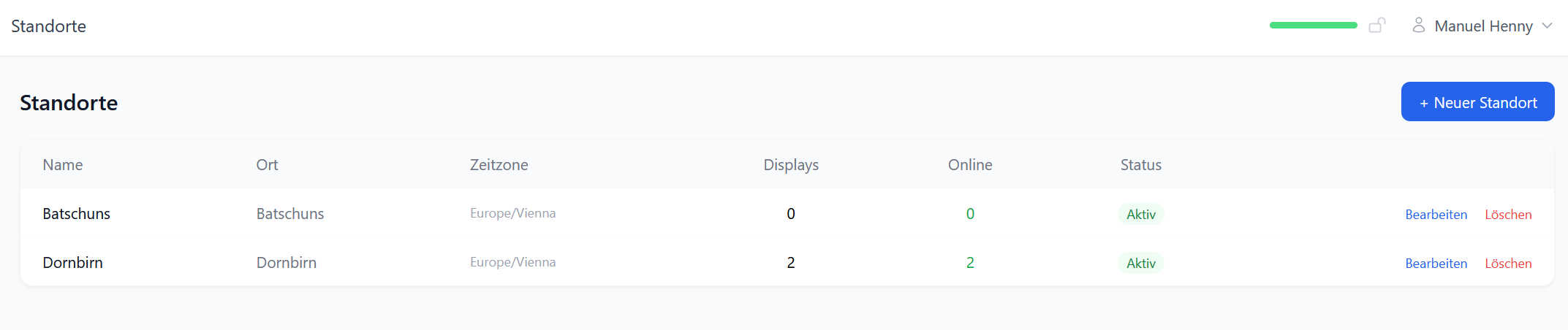 Locations
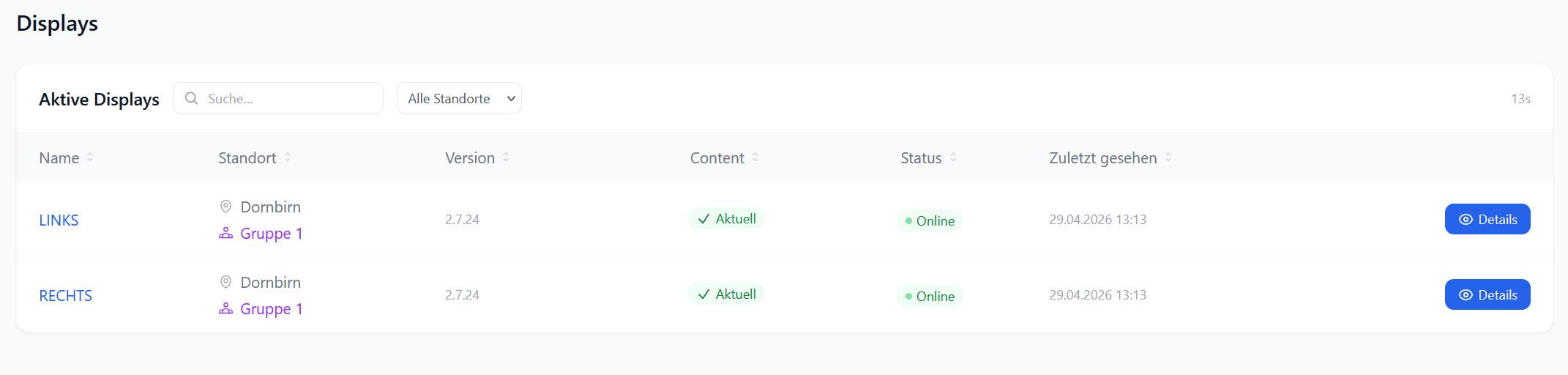 Display Overview
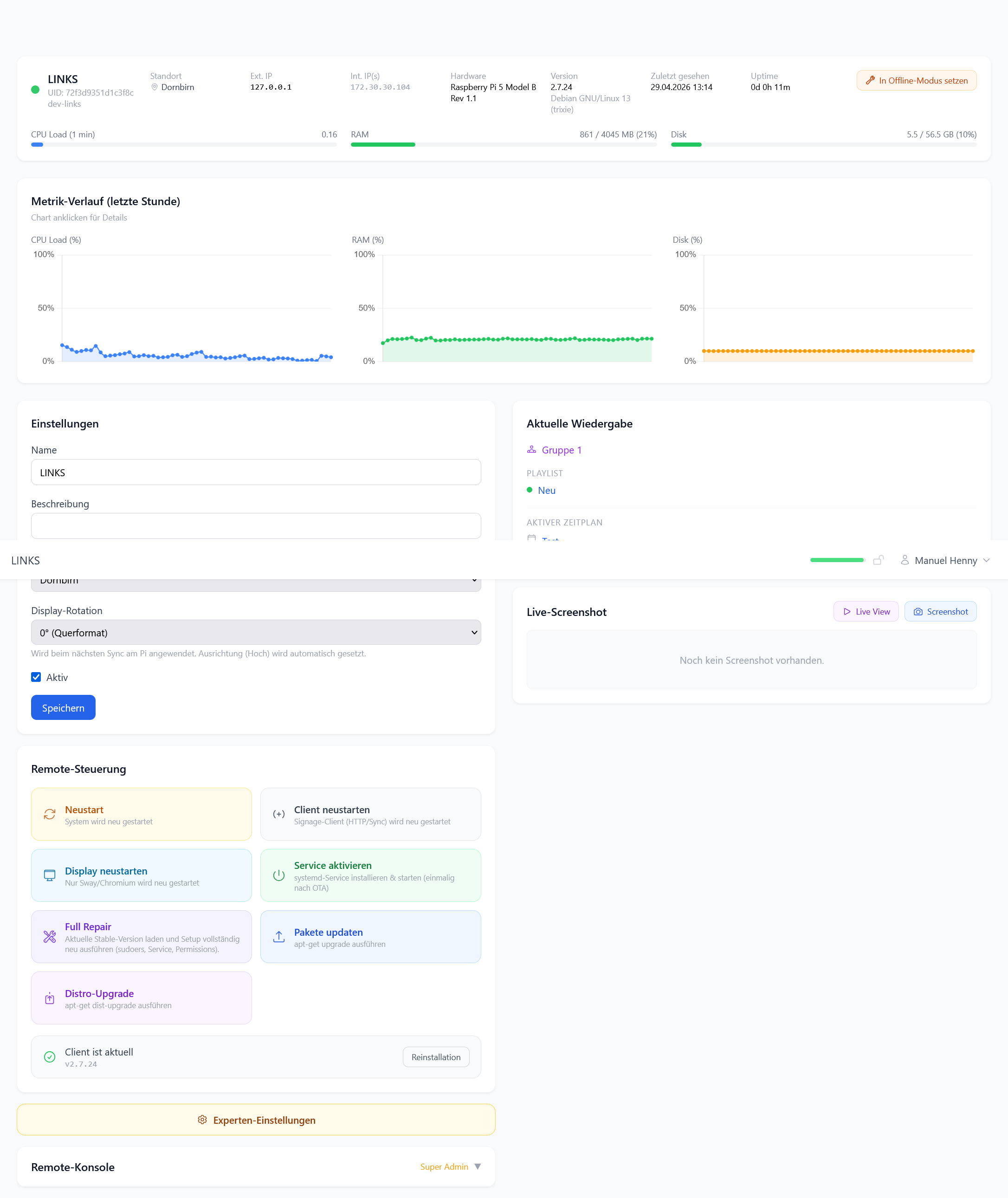 Display Detail
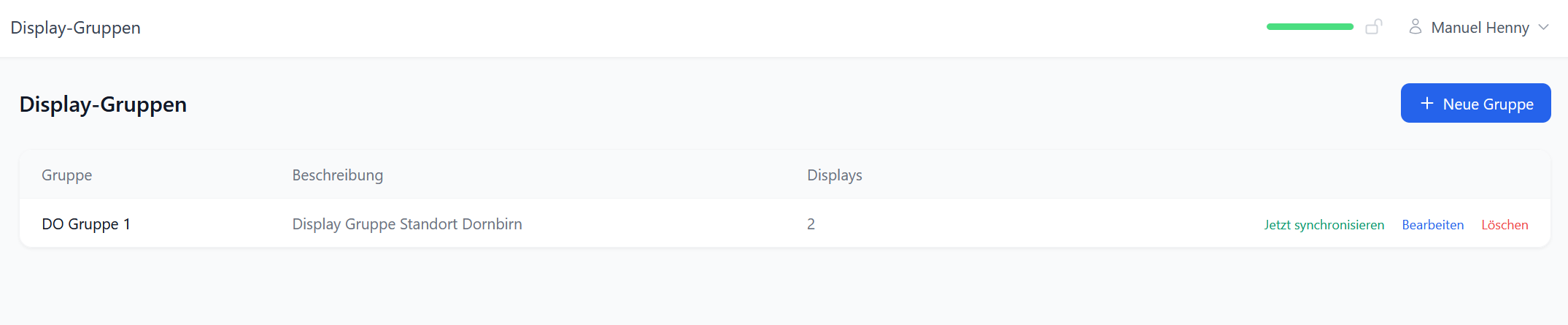 Display Groups
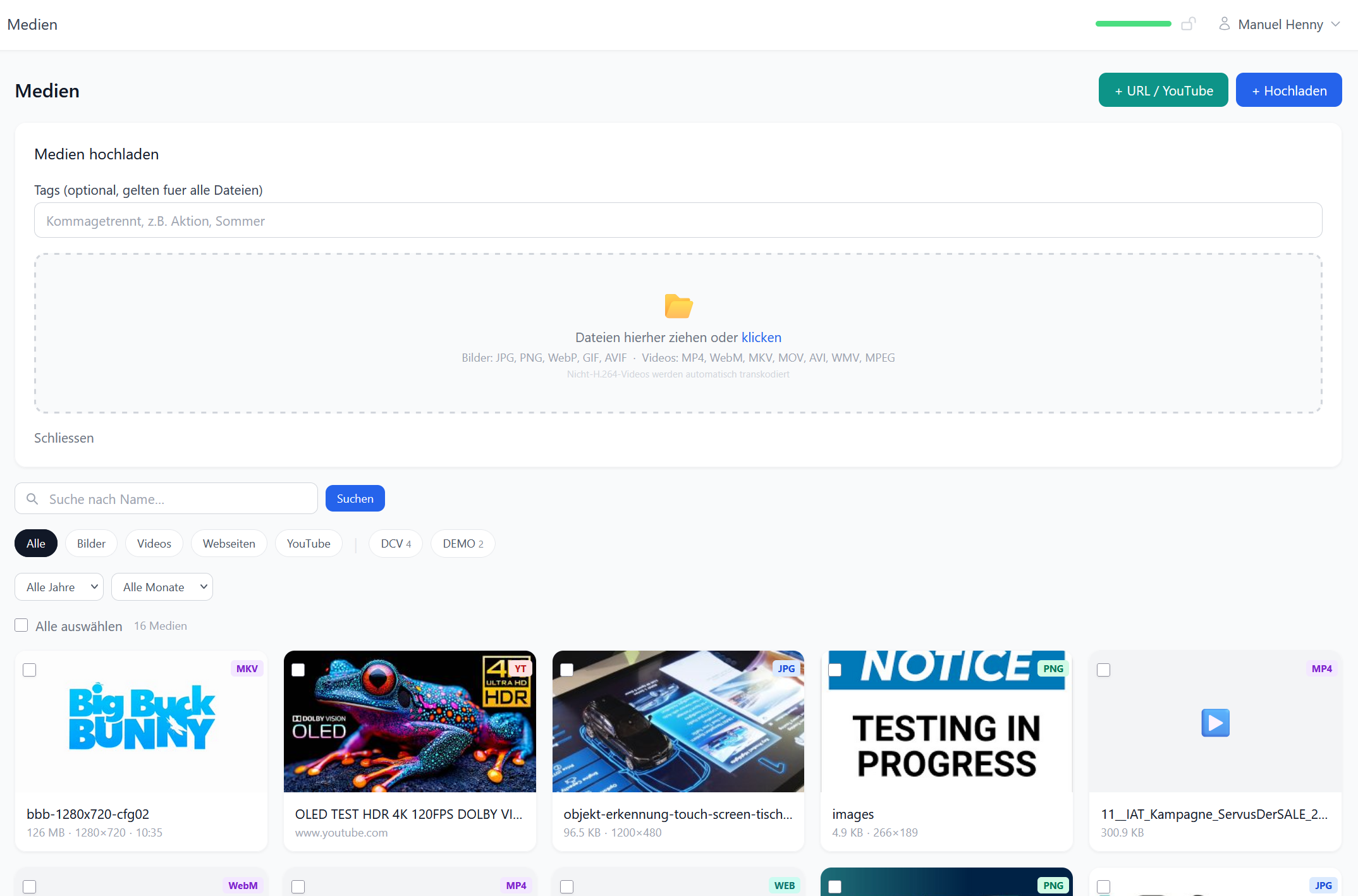 Media
Media
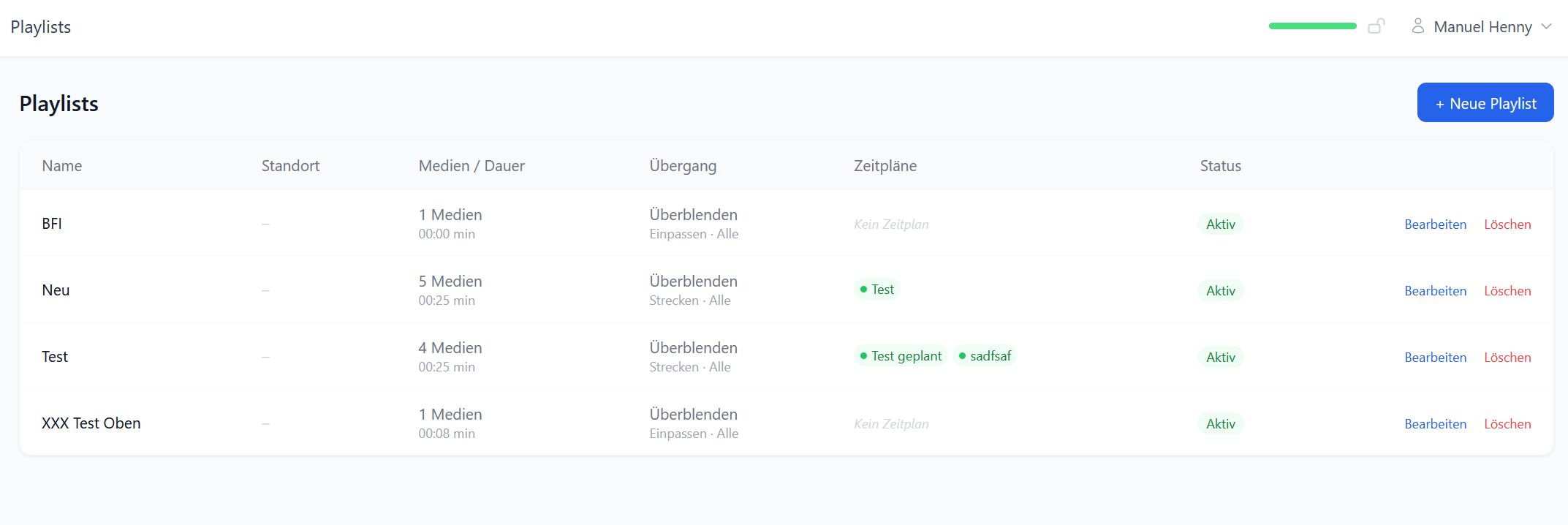 Playlists
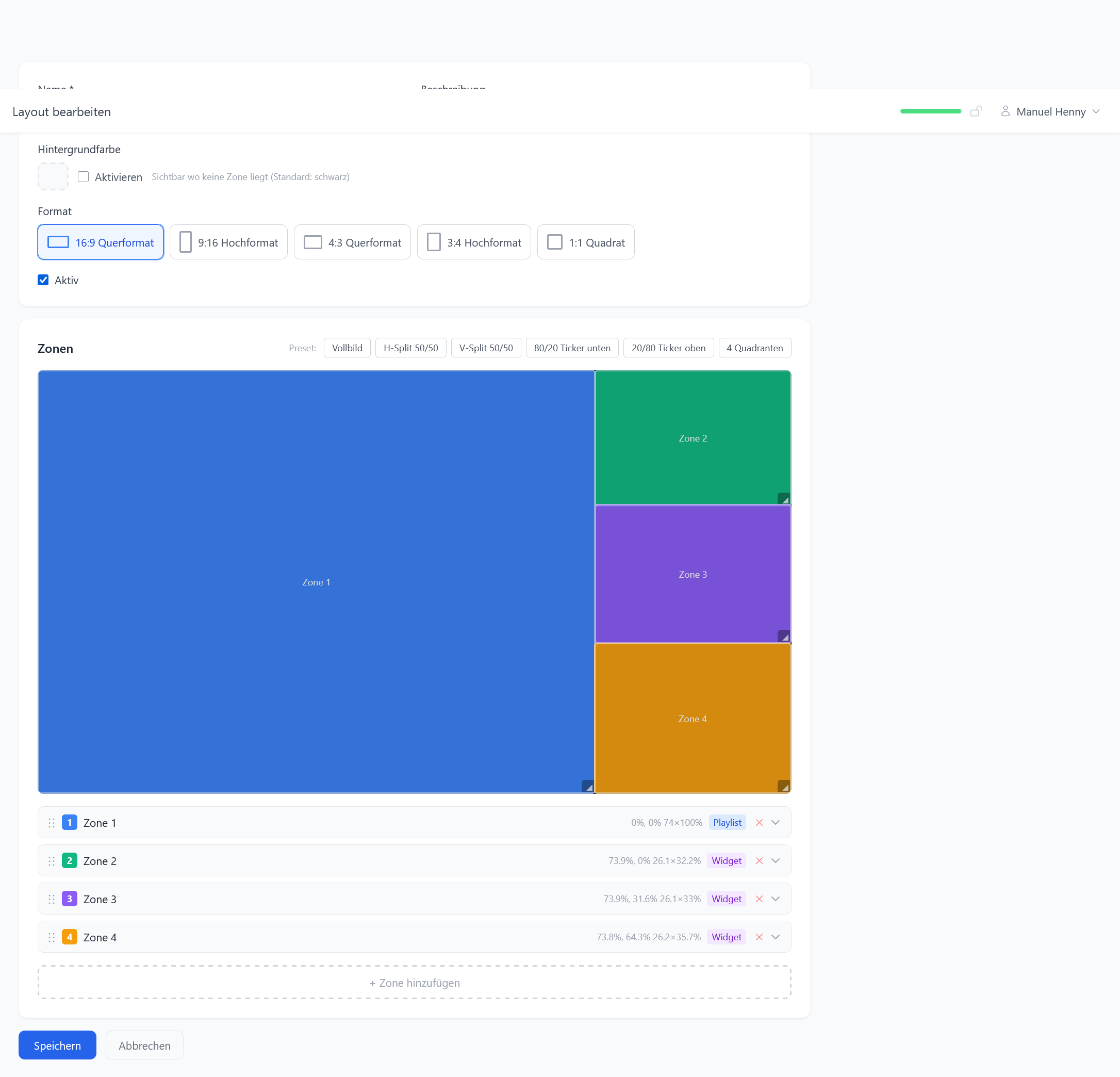 Layout
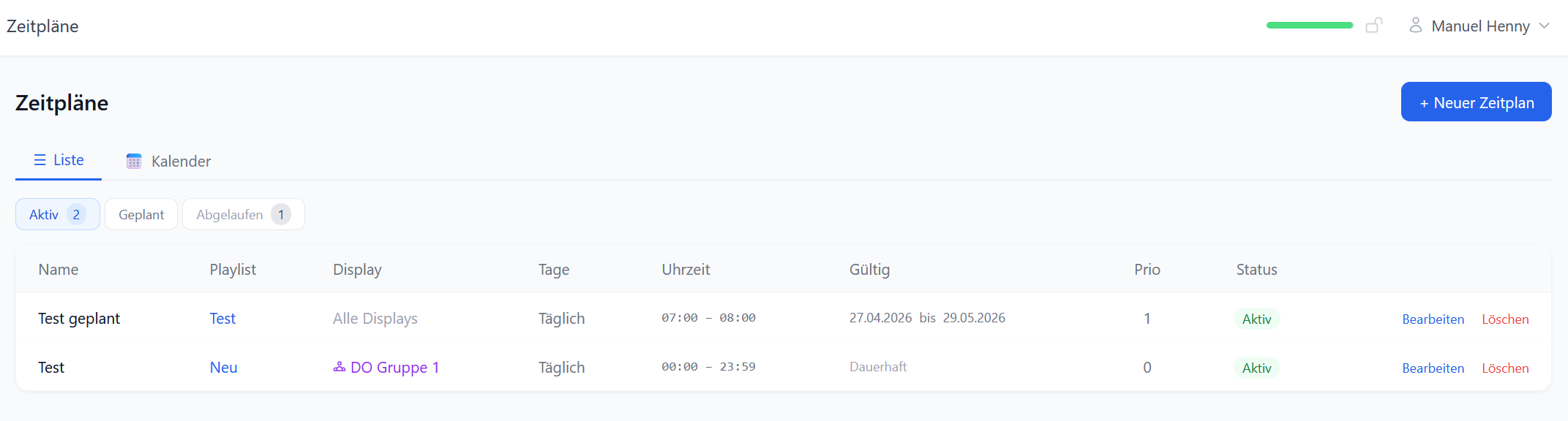 Schedules
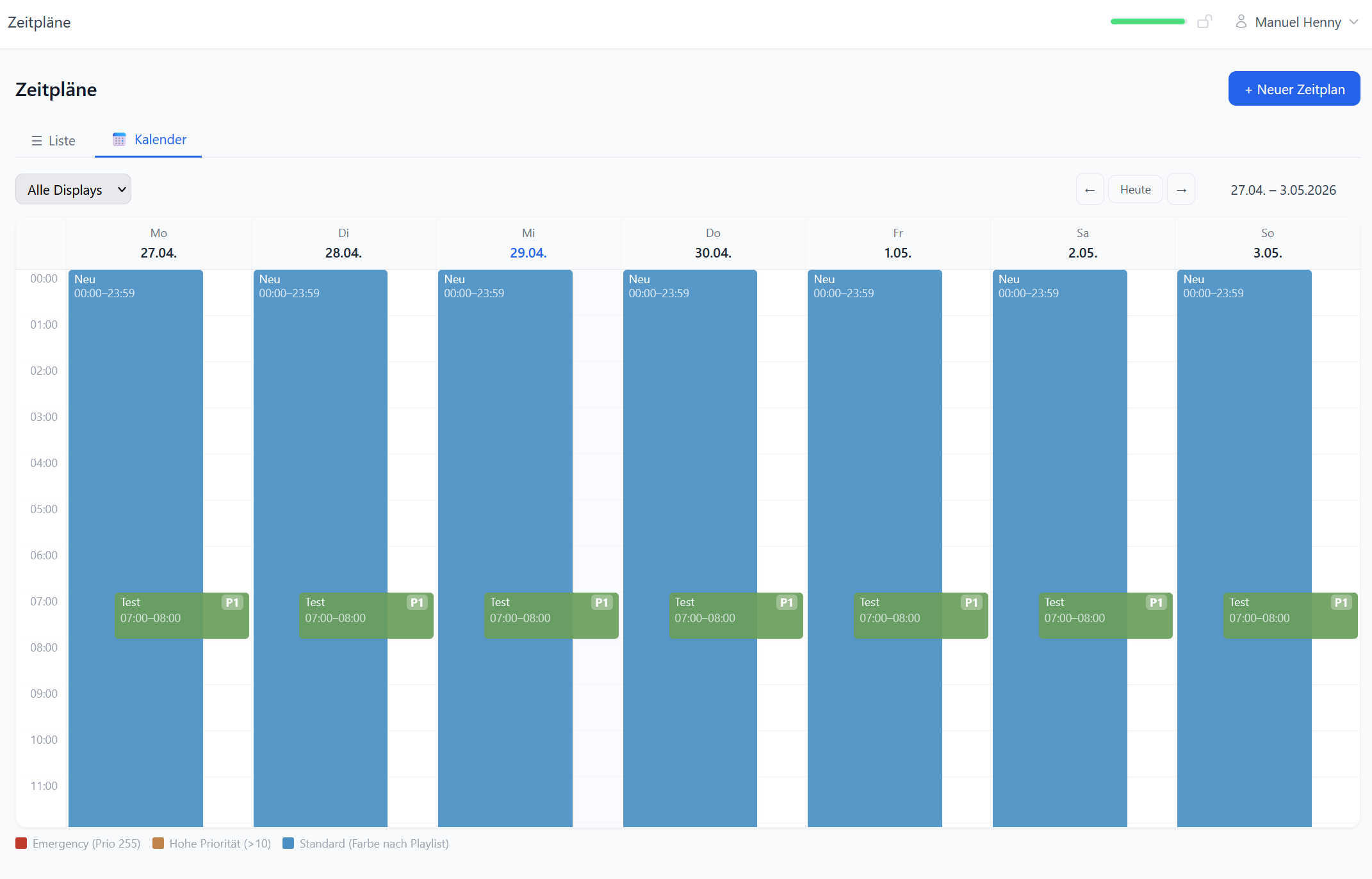 Schedules Calendar View
Your displays – centrally managed, without IT overhead
Set up, upload content, done. We handle operations, updates and support.
From upload to display
Manage media, create playlists, monitor displays – all from one interface.
Media & Content
Upload images, videos, web pages and YouTube links into a central library – organized with tags and filters.
- Images, videos, web pages & YouTube links
- Automatic format conversion via FFmpeg
- Server-side thumbnails for quick overview
- Tags & filters for large media libraries
- PowerPoint import (PPTX) as slides
Playlists & Scheduling
Determine what runs when on which display – week-based, with transitions and priorities.
- Weekly scheduling (Mon–Sun)
- Drag & drop playlist creation
- Transition effects between content
- Emergency/priority mode for urgent messages
- Individual display duration per content item
Layouts & Display
Freely partition the screen into zones – for main content, clock, ticker, weather and more.
- Free screen partitioning into zones
- Landscape and portrait mode
- Live preview directly in the browser
- Sync multiple displays with one layout
- Hero slider with image-text combinations
Remote Management & Status
All displays at a glance – live screenshots, system metrics and remote commands via browser.
- Live screenshots of all devices in real time
- CPU, RAM & storage at a glance
- Online/offline detection with notifications
- Automatic updates with rollback option
- Remote control: restart, switch content, send commands
Who is ITWX Signage for?
Wherever information needs to be displayed on screens – flexible, central and without technical expertise.
Medical Practices & Clinics
Inform patients in the waiting room – call-ups, health tips, practice news. Automatic, without manual effort.
Retail & Hospitality
Show offers, daily menus or promotions directly on screen – attractively designed and time-controlled.
Schools & Education
Timetables, substitutions, school news – always up to date, on displays in the foyer and hallways.
Offices & Enterprises
Meeting room signage, KPI dashboards, internal news – professional communication at every location.
Hotels & Tourism
Welcome messages, event notices, wayfinding – digital displays replace printed notices.
Resellers & IT Partners
Offer Digital Signage as a managed service – with your brand, your prices and margins up to 50%.
Discover ITWX Signage now
Get in touch – we will show you the platform live, discuss your use case and set everything up for you.